


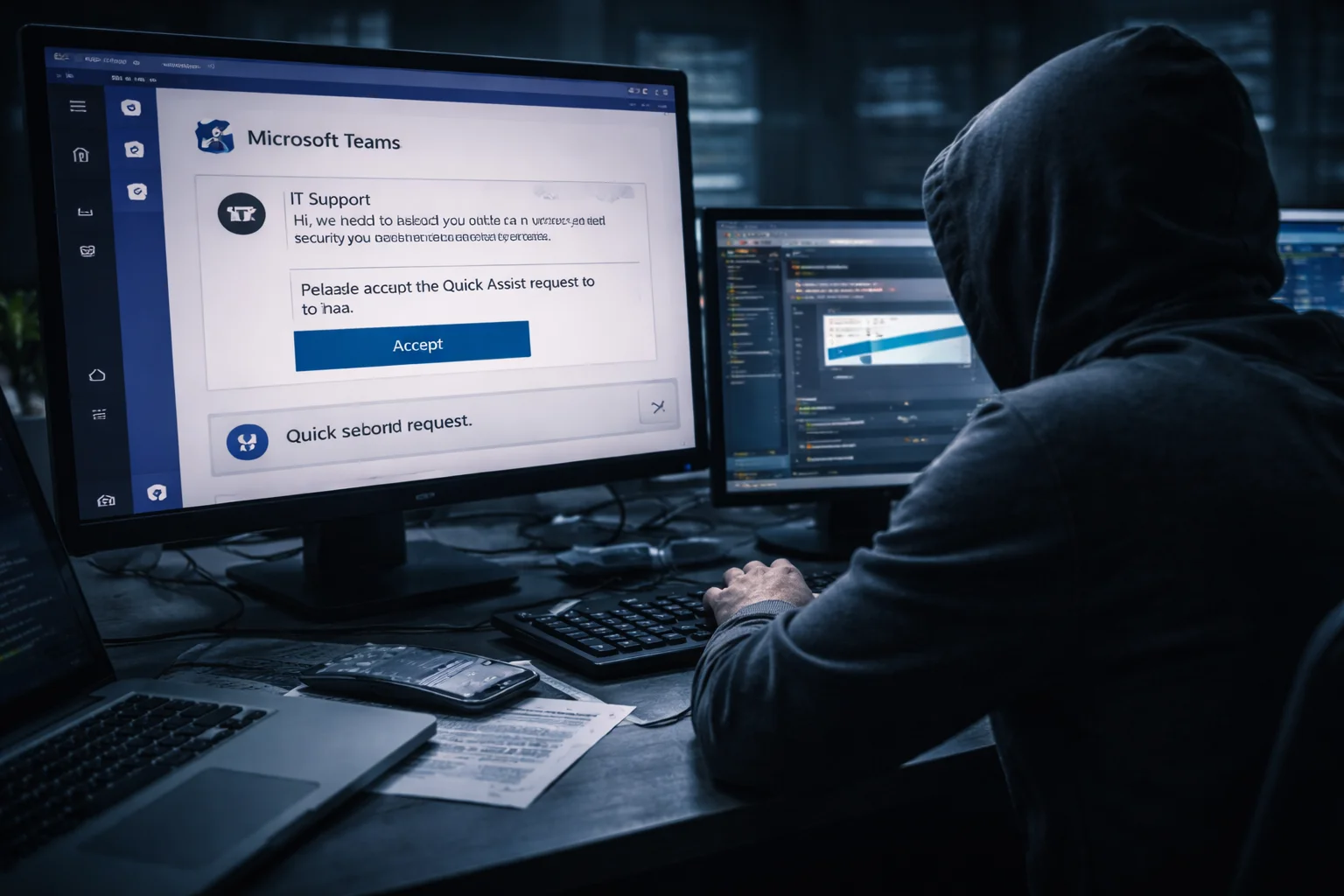
A new Microsoft Teams phishing campaign targets employees by impersonating internal IT support staff and convincing victims to grant remote access to their systems. Attackers contact workers through Microsoft Teams and claim they need to resolve technical issues affecting the employee’s account.
Once victims allow the remote session, the attackers deploy malware that gives them long-term access to the compromised system. Security researchers warn that this campaign combines social engineering with legitimate remote support tools to bypass traditional phishing defenses.
Attackers Impersonate IT Support Staff
The attackers begin the campaign by overwhelming the victim’s inbox with spam messages. Shortly afterward, they contact the employee through Microsoft Teams while pretending to represent the organization’s IT support department.
During the conversation, the attacker claims the spam emails indicate a technical problem that requires immediate attention. The impersonator then instructs the employee to launch a Quick Assist remote support session, a legitimate Windows feature that allows technicians to troubleshoot systems remotely.
If the victim accepts the request, the attacker gains full remote access to the computer.
Remote Access Allows Malware Installation
After establishing the remote connection, the attacker installs malicious software directly on the victim’s system. The malware arrives through files stored in a Microsoft cloud storage account controlled by the attacker.
These files appear to be legitimate applications and include digitally signed MSI installers. The attackers disguise the software as components related to Microsoft Teams or other Windows features to reduce suspicion.
Once installed, the malware establishes persistence and allows the attackers to maintain access to the compromised device.
Attack Uses DLL Sideloading to Run Malware
The campaign relies on a technique known as DLL sideloading to execute malicious code. Attackers launch a legitimate Microsoft application that loads a malicious library file placed in the same directory.
The malicious library file contains hidden payload data. When the system loads the file, the malware decrypts the payload in memory and launches the A0Backdoor malware.
This method helps the attackers avoid detection because the initial process begins with trusted Microsoft software.
Collaboration Platforms Become New Phishing Targets
Workplace collaboration platforms have become attractive targets for cybercriminals. Employees often trust messages received through internal tools more than traditional phishing emails.
Attackers exploit this trust by posing as colleagues or IT staff and initiating conversations that appear routine. Once they establish communication with the victim, they guide the employee through actions that ultimately compromise the system.
Security researchers warn that organizations should treat collaboration platforms as potential entry points for phishing attacks.
Conclusion
The Microsoft Teams phishing campaign highlights how attackers adapt social engineering techniques to modern workplace communication tools. By impersonating internal IT staff and abusing legitimate remote support features, criminals can gain direct access to employee systems.
Organizations can reduce the risk of similar attacks by training employees to verify unexpected support requests and avoid granting remote access unless the request comes through official IT channels.
0 responses to “Microsoft Teams Phishing Campaign Deploys Backdoor Malware”