


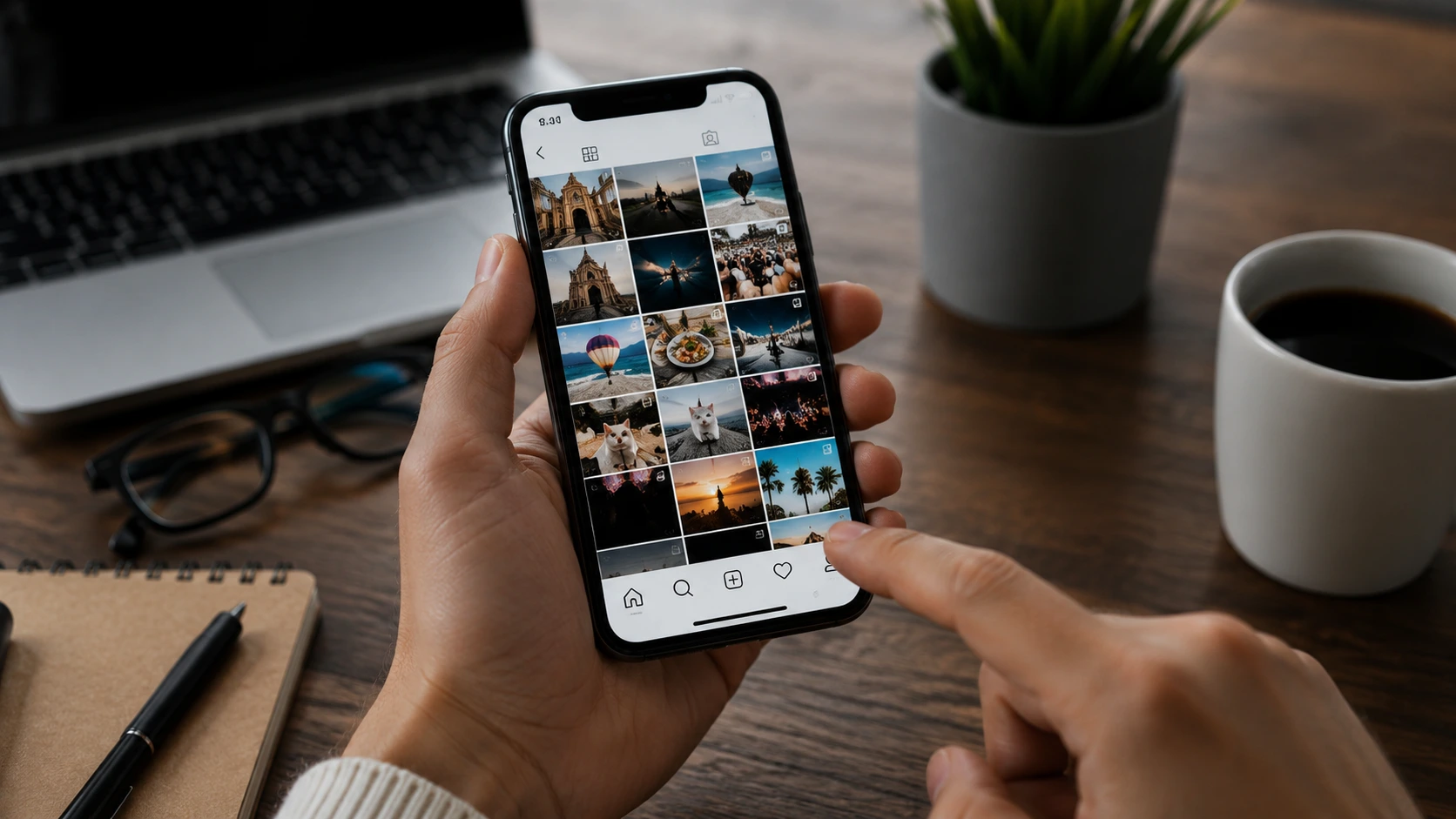
Meta Muse lets users create AI-generated images by editing photos and videos from public Instagram profiles. While the feature aims to simplify content creation, it has also raised privacy concerns because anyone can generate AI images using content from public accounts.
Meta recently introduced Muse across Instagram and WhatsApp, with Facebook and Messenger set to receive the feature soon. Users who do not want their content reused can change a few account settings to opt out.
What Is Meta Muse?
Meta describes Muse as an AI-powered creative assistant that generates images from simple text prompts.
One feature, known as the presets panel, allows users to reference public Instagram profiles by entering a username. Muse can then use publicly shared photos and videos as the basis for AI-generated images.
The feature drew criticism after reports revealed how easily users could edit content from other public accounts.
Public Instagram Profiles Allow AI Reuse
According to Instagram’s policy, content from public profiles may be available for AI features developed by Meta.
That means other users may create new AI-generated content based on publicly shared photos or videos. Search engines may also index some of that AI-generated content.
Private Instagram accounts do not allow this type of reuse.
How to Prevent Meta Muse From Using Your Content
The simplest way to stop Meta Muse from reusing your content is to switch your Instagram profile to private.
Open your profile and tap the three-line menu in the top-right corner. Next, select Settings and activity, then Account privacy, and enable the Private account option.
If you prefer to keep your profile public, Instagram also lets you manage reuse permissions for individual posts.
Open Settings and activity, then choose Sharing and reuse. From there, you can disable AI reuse for specific photos, videos, and reels.
Existing AI Content May Remain Online
Changing these settings does not remove AI-generated content that others created before you opted out.
Instagram says previously generated content may remain available unless the original creator deletes it. Likewise, changing reuse settings does not automatically remove content that already appears on the platform.
Some users have also reported that the Sharing and reuse menu does not appear in their app. In many cases, updating Instagram to the latest version resolves the issue.
Privacy Debate Around AI Continues
The launch of Meta Muse adds to the growing debate over how AI companies use publicly available content.
Privacy advocates argue that people should have greater control over how AI systems use their photos and videos. As more AI image tools appear across social media platforms, users are paying closer attention to privacy settings and the ways companies handle personal content.
0 responses to “How to Stop Meta Muse AI From Reusing Your Instagram Photos”