


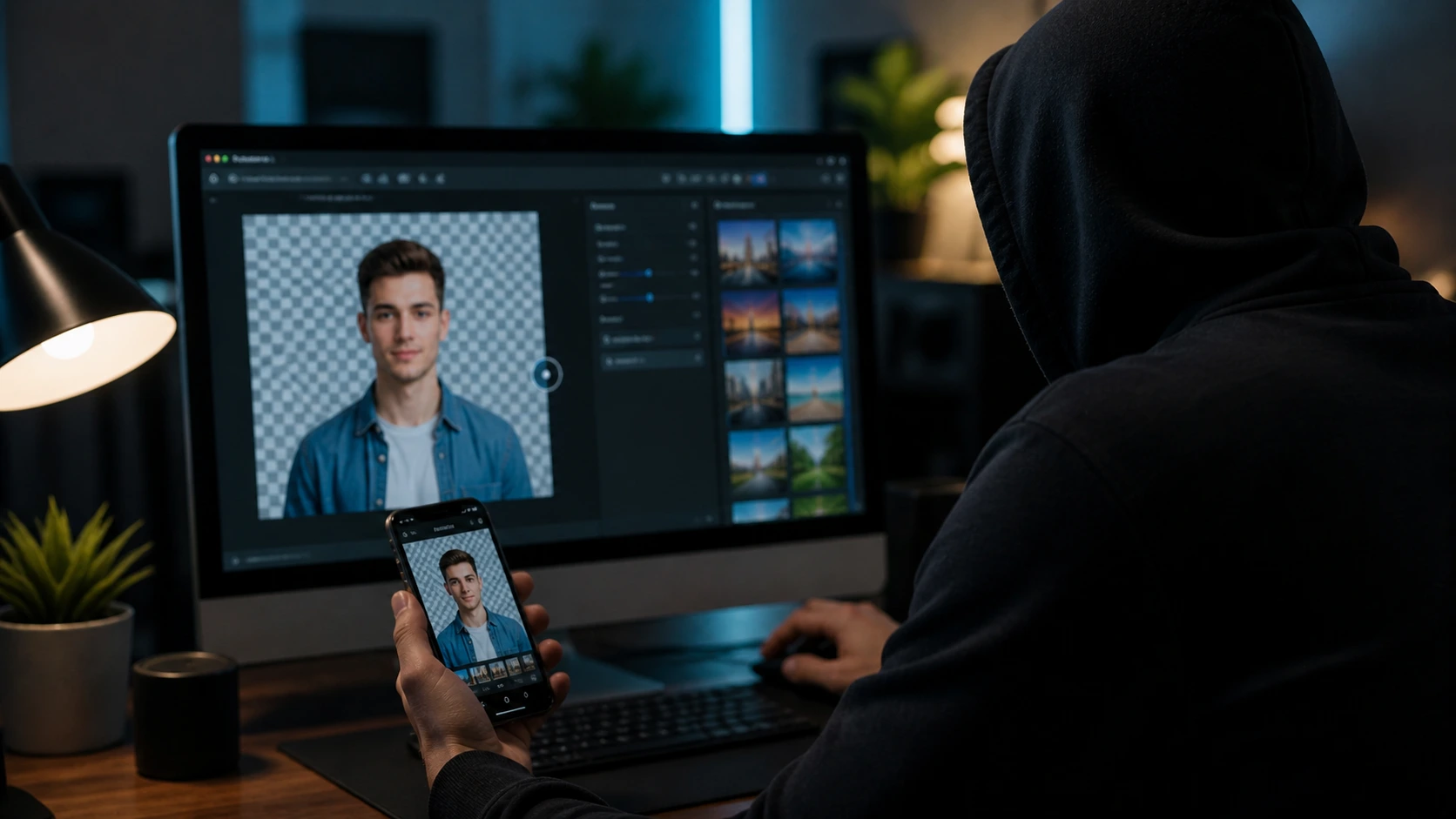
A new malware campaign is targeting users who search for quick photo editing tools online. The selfie background editor trap uses a fake website to trick victims into installing password-stealing malware.
Fake Tool Designed to Look Legitimate
Researchers uncovered a malicious site posing as a free background removal service. The page mimics a real editor, complete with upload buttons and loading animations.
However, the tool does not process images. Its only purpose is to guide users into performing actions that compromise their systems.
The campaign, known as BackgroundFix, targets users who rely on fast, browser-based tools.
ClickFix Technique Drives the Attack
The selfie background editor trap relies on a social engineering method known as ClickFix. The attack starts when a user interacts with a fake verification step, such as clicking a checkbox.
Behind the scenes, the site copies a command to the user’s clipboard. It then displays instructions that encourage the user to paste and run it.
Once executed, the command connects the device to an attacker-controlled server.
Malware Installed Through User Interaction
This attack does not rely on software vulnerabilities. Instead, it depends on user action.
After the command runs, a loader known as CastleLoader installs additional malware. This includes a remote access tool and a password-stealing program called CastleStealer.
The malware targets:
- Stored browser passwords
- Session cookies
- Cryptocurrency wallet data
- Messaging app sessions
This allows attackers to gain access to accounts and sensitive information.
Campaign Expands Across Multiple Domains
Researchers identified several domains using the same setup. This suggests the selfie background editor trap is part of a broader campaign.
The infrastructure allows attackers to scale the operation and reach more victims.
Why This Method Is Effective
The attack works because it appears harmless. Users believe they are completing a routine verification step.
Since the victim runs the command manually, traditional security defenses may not block the action.
This approach shifts the responsibility to the user, making detection harder.
How to Stay Protected
Users should avoid any website that asks them to run commands manually. Legitimate online tools do not require access to system prompts.
To reduce risk:
- Avoid unfamiliar tools from search results or ads
- Do not copy and run unknown commands
- Keep systems and browsers updated
Awareness is key when dealing with unknown online services.
Conclusion
The selfie background editor trap shows how attackers continue to rely on simple but effective tactics. Instead of exploiting technical flaws, they manipulate users into compromising their own devices.
As these campaigns grow, recognizing suspicious behavior becomes essential. Careful browsing habits can prevent malware infections and protect sensitive data.
0 responses to “Selfie Background Editor Trap Steals Passwords via Fake Tool”