


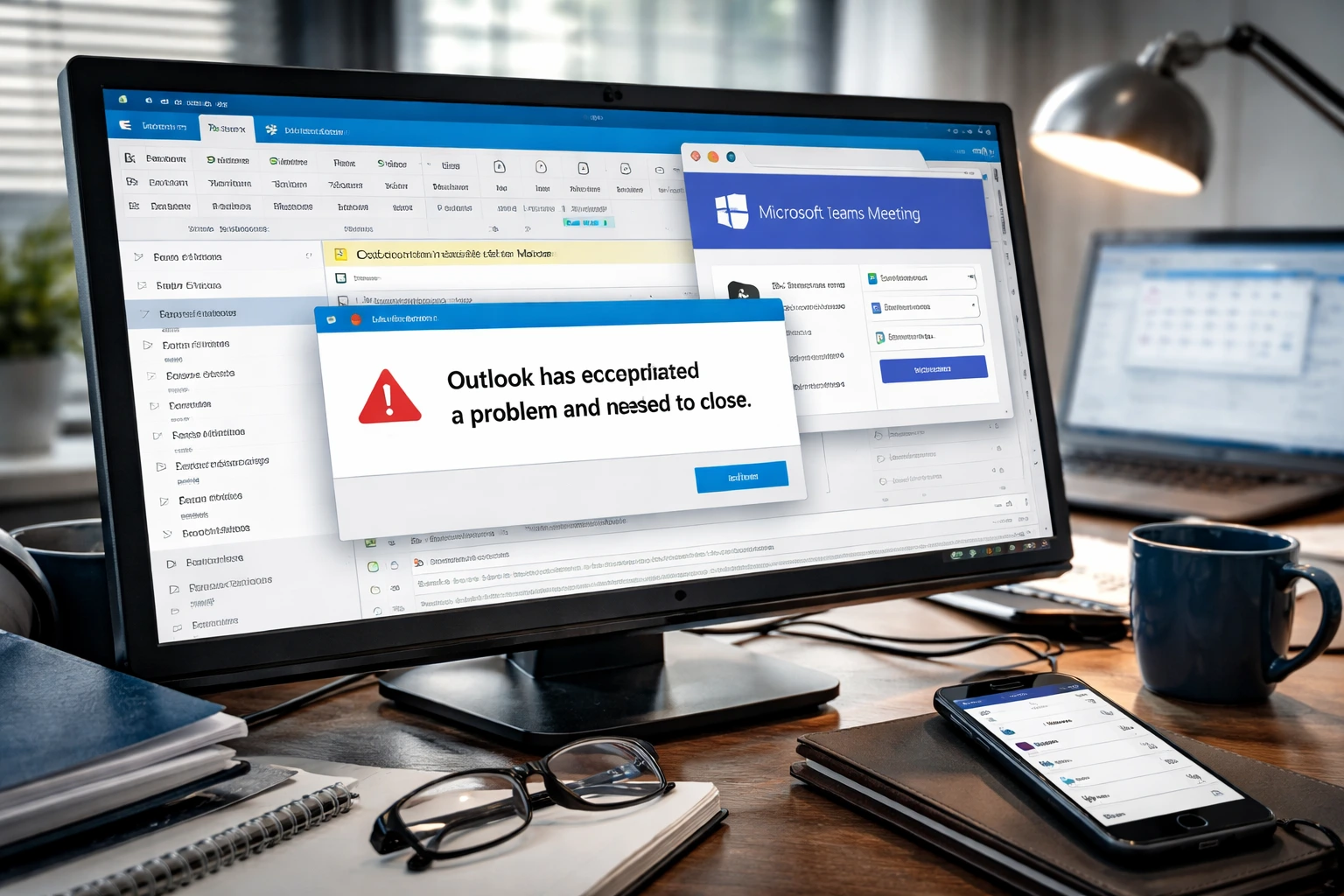
The Outlook Teams add-in crash caused classic Outlook to fail or open in Safe Mode for many users. The issue appeared after a recent update to the Teams Meeting add-in.
Microsoft identified the cause and released fixes to restore normal functionality.
Add-in update breaks Outlook
The issue affected users running classic Outlook with the Teams Meeting add-in enabled. After the update, Outlook crashed on launch or forced Safe Mode.
This behavior prevented users from accessing emails and calendars in the standard interface. The problem appeared suddenly after the add-in update rolled out.
Microsoft confirmed that the add-in triggered the crashes.
Version mismatch caused instability
The crashes occurred due to a mismatch between Outlook and the updated Teams Meeting add-in. Older Outlook builds could not handle changes introduced in the newer add-in version.
This incompatibility caused startup failures and repeated crashes. Users with outdated Office versions faced the highest risk.
The issue did not affect environments where both components remained fully updated.
Microsoft releases fix and guidance
Microsoft resolved the issue by updating Outlook builds and restoring compatibility with the Teams add-in. Users can fix the problem by installing the latest Office updates.
If the issue persists, Microsoft recommends running an Online Repair to correct installation problems.
These steps restore normal operation and prevent further crashes.
Temporary workaround restores access
Before Microsoft released a fix, users relied on a workaround to regain access. Disabling the Teams Meeting add-in allowed Outlook to open normally.
However, this workaround removed Teams scheduling features from Outlook. As a result, many users had to choose between stability and functionality.
Updating Outlook remains the recommended long-term solution.
Add-in conflicts remain a risk
This incident shows how add-ins can disrupt core applications when compatibility breaks. Even widely used tools can introduce instability after updates.
Version mismatches between integrated software components continue to create risks in enterprise environments.
Regular updates and monitoring help reduce the chance of similar issues.
Conclusion
The Outlook Teams add-in crash shows how a version mismatch can break essential productivity tools. Microsoft resolved the issue, but the incident highlights ongoing risks tied to software compatibility.
Keeping systems updated remains critical to maintaining stability across integrated platforms.
0 responses to “Outlook Teams add-in crash fixed after classic Outlook failures”