


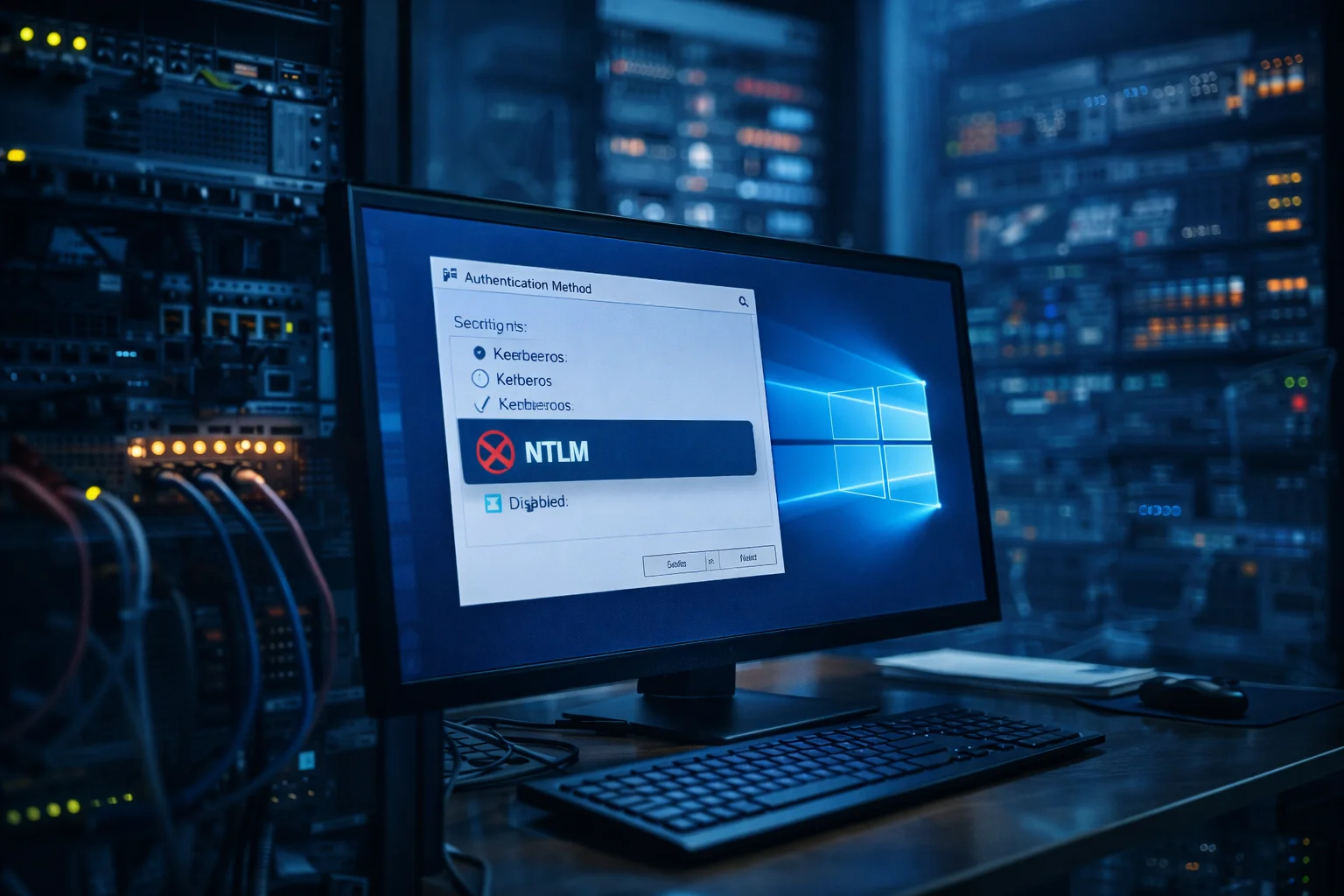
NTLM disabled by default will soon become a reality in upcoming Windows releases as Microsoft continues tightening its security posture. The company announced plans to turn off the legacy authentication protocol in both client and server editions of Windows. This move targets long-standing weaknesses that attackers frequently exploit in enterprise environments. Organizations that still depend on NTLM for compatibility or legacy applications will need to prepare for a gradual but significant transition.
What Is Changing
Microsoft plans to stop enabling NTLM automatically in future Windows builds. Systems will rely on modern authentication methods instead, primarily Kerberos and newer identity frameworks. NTLM will not disappear entirely, but administrators will need to manually re-enable it through policies if a specific environment still requires it. This adjustment shifts NTLM from a silent fallback option into a deliberate configuration choice, reducing accidental exposure across corporate networks.
Why NTLM Is Being Phased Out
NTLM dates back decades and no longer meets modern security expectations. The protocol uses outdated cryptographic techniques that attackers can bypass through relay attacks and pass-the-hash methods. These techniques allow intruders to impersonate users without knowing their passwords, which makes NTLM a frequent entry point in targeted intrusions. Modern authentication systems provide stronger encryption, better auditing visibility, and improved resistance to credential theft, which explains Microsoft’s long-term strategy to move away from NTLM.
Impact on Organizations
Enterprises with legacy software or older infrastructure may experience compatibility challenges once NTLM stops activating automatically. Internal tools, printers, file shares, and custom applications sometimes rely on NTLM as a fallback authentication method. Without preparation, these systems could fail to authenticate users correctly. However, organizations that already prioritize Kerberos or passwordless authentication will notice minimal disruption. The change primarily affects environments that postponed modernization or maintain older integrations.
Recommended Preparation Steps
IT teams should begin auditing where NTLM is still active and identify which services depend on it. Migration planning should include updating legacy applications, strengthening Kerberos configurations, and testing authentication flows in staging environments. Monitoring tools and identity management policies also require review to ensure they align with modern authentication standards. Early preparation reduces downtime and prevents emergency reconfigurations once the default behavior changes.
Conclusion
The NTLM disabled by default initiative represents a major milestone in Microsoft’s long-term security roadmap. By removing automatic reliance on a legacy protocol, Windows environments will gain stronger defenses against credential-based attacks. Organizations that act early and modernize their authentication infrastructure will experience smoother transitions and fewer compatibility issues. Proactive planning and continuous security reviews remain essential as identity protection becomes a central pillar of enterprise defense.
0 responses to “NTLM Disabled by Default in Future Windows Releases”