


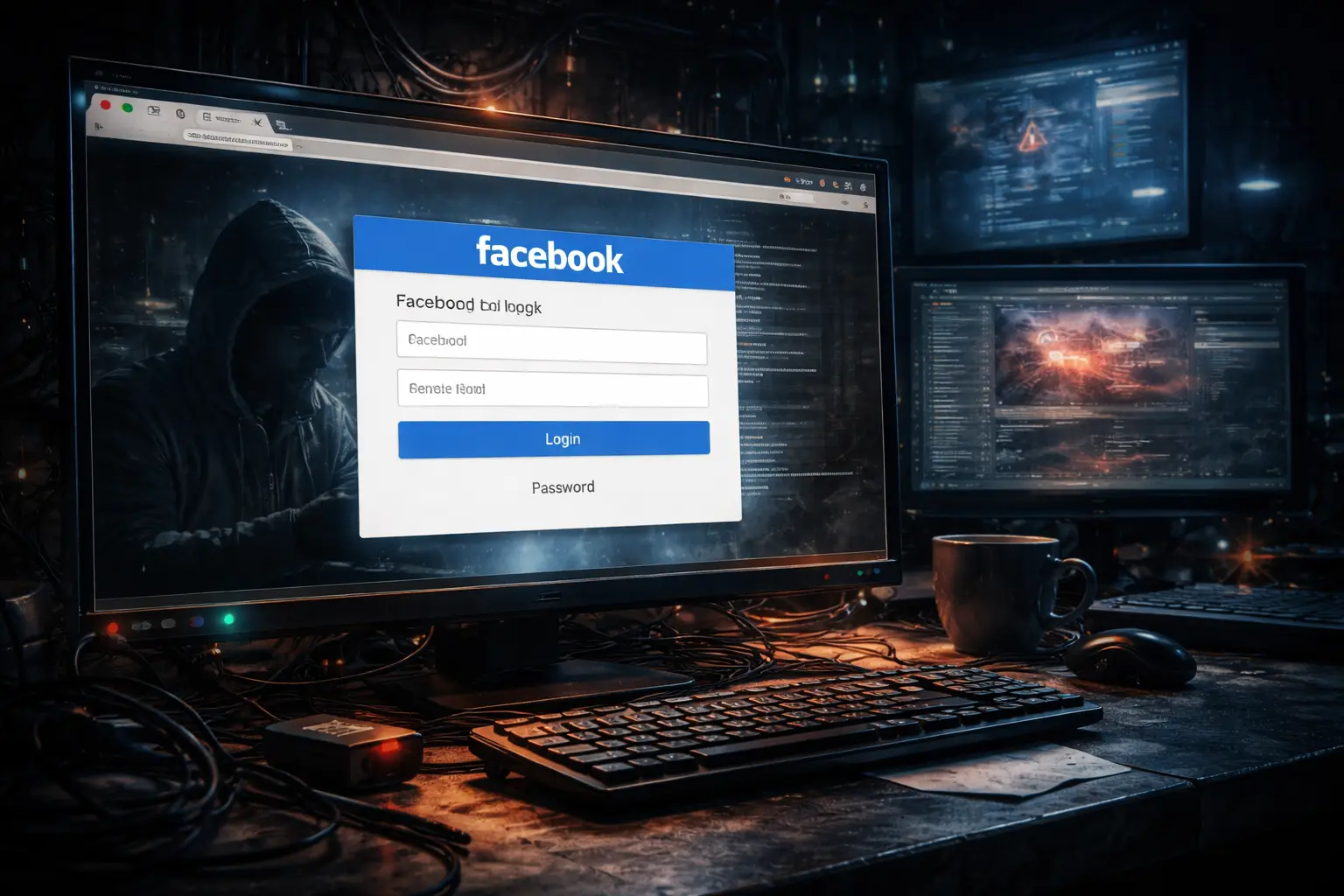
Cybercriminals have refined their tactics with a new wave of Facebook browser-in-browser phishing attacks that trick users into handing over login credentials. The method relies on fake login pop-ups that appear inside a normal browser window and closely resemble Facebook’s real authentication interface. Many users fail to notice the deception because the pop-ups look familiar and behave like legitimate login prompts.
This technique targets trust rather than technical weaknesses. Attackers exploit how often users log in through embedded windows and social sign-in dialogs, making the scam difficult to spot even for cautious users.
How the browser-in-browser trick works
Attackers design malicious webpages that generate a fake login window using scripts and HTML elements. Instead of opening a real browser pop-up, the page displays a simulated window that sits entirely inside the webpage. The fake interface includes visual details such as a browser frame, address bar styling, and Facebook branding to create a convincing illusion.
When users enter their login details, the page sends the information directly to the attackers. In many cases, the site then redirects victims to the real Facebook login page, which reduces suspicion and makes the attack harder to detect.
Why this phishing method succeeds
Facebook browser-in-browser phishing works because it mirrors normal login behavior. Users regularly see embedded authentication windows when signing in to third-party services, which lowers their guard. The fake pop-ups also prevent users from interacting with the real browser address bar, removing one of the most common ways to verify authenticity.
Attackers further increase success by distributing these pages through messages that create urgency. Alerts about account issues, security warnings, or required actions push users to act quickly rather than verify details.
What attackers do with stolen credentials
Once attackers capture Facebook login details, they can take full control of the account. They often use hijacked profiles to spread scams, send malicious messages, or run fraudulent advertising campaigns. Stolen credentials may also unlock access to connected services or allow attackers to reset passwords elsewhere.
In some cases, attackers attempt to bypass additional protections by abusing active login sessions or tricking users into approving further actions after the initial compromise.
How users can reduce the risk
Users can lower their risk by avoiding login prompts that appear inside webpages. Opening Facebook directly in a new browser tab or using the official app reduces exposure to this attack method. Checking the actual browser address bar before entering credentials remains one of the most effective defenses.
Strong, unique passwords and multi-factor authentication add another layer of protection. Even if attackers steal login details, additional verification steps can prevent full account takeover.
Conclusion
Facebook browser-in-browser phishing shows how social engineering continues to evolve alongside user habits. By copying familiar login experiences, attackers blur the line between real and fake interfaces. Staying alert, verifying login locations, and relying on strong authentication practices remain essential as phishing techniques grow more sophisticated.
0 responses to “Facebook browser-in-browser phishing steals logins using fake pop-ups”