


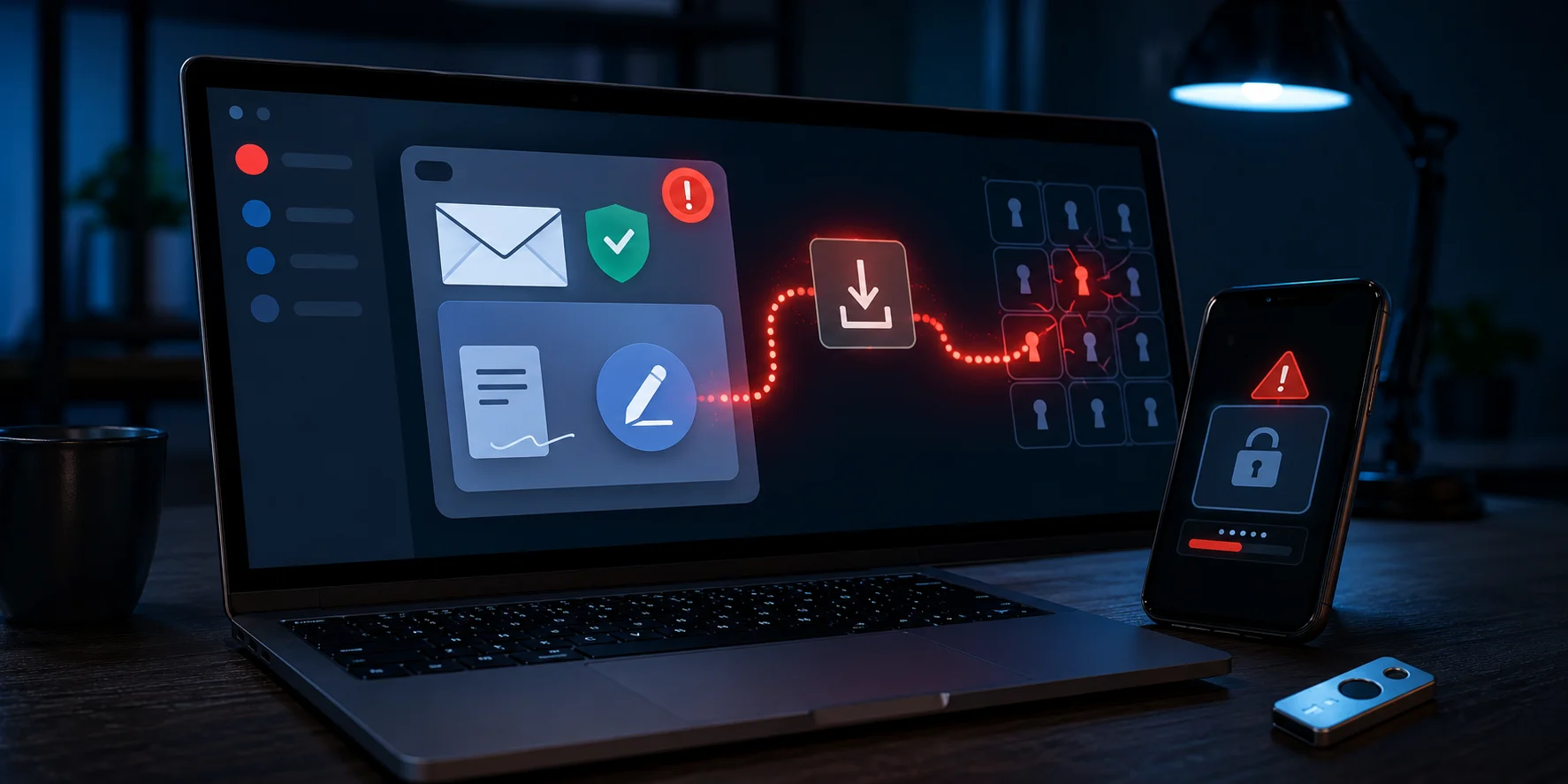
A new password manager phishing campaign is targeting LastPass and Bitwarden customers with fake security and compliance emails.
The messages claim that users must review updated policies through an electronic document service. However, the included buttons lead to fraudulent websites that impersonate legitimate business platforms.
These pages then pressure visitors to download untrusted files. LastPass has confirmed that its infrastructure was not breached and that the emails came from external attackers.
Fake Emails Claim Security Policies Have Changed
The phishing messages resemble official corporate communications. They tell recipients that new security policies or administrative changes require immediate review.
LastPass-themed emails use the subject line “Action Required: Review Updated LastPass Security Policies.” The messages instruct recipients to open a linked page and review a supposed document.
Attackers use a similar approach against Bitwarden customers. The branding changes, but the pressure and redirection process remain largely the same.
By presenting the request as a routine compliance task, criminals hope users will click without closely checking the sender.
Attackers Use Lookalike Sender Domains
The fake LastPass emails come from:
- hello@lastpassnewsletter[.]com
Meanwhile, the Bitwarden version uses:
- hello@bitwardennewsletter[.]com
Neither address belongs to the company it claims to represent.
The LastPass newsletter domain was registered on July 13, 2026. Its recent creation is a major warning sign, especially because the sender claims to represent an established company.
Attackers often place a recognizable brand name inside a longer domain. At first glance, the address may look genuine. However, the actual domain has no connection to the impersonated service.
Users should always inspect the full sender address instead of trusting the display name.
Links Open Fake Compliance Websites
The emails direct users to fraudulent compliance domains:
- lastpasscompliance[.]com
- bitwardencompliance[.]com
These websites copy the visual style of legitimate services. They also impersonate DocuSign, a widely used electronic document platform.
After arriving on the fake page, victims are told they need a desktop application to review or sign the supposed document. The site then offers files for Windows and macOS.
Security services have classified the download location as malicious. Therefore, users should not open or install any file obtained through these pages.
The exact payload may vary. However, malicious downloads can install information stealers, remote-access tools, or other malware.
Master Passwords Are Valuable Targets
A password manager phishing attack can cause significant damage because one stolen account may provide access to many other services.
Password vaults can contain website credentials, payment details, secure notes, account recovery information, and other sensitive records. Some users also store authentication codes or identity documents inside their vaults.
If criminals obtain a master password, they may attempt to enter the entire vault. They can then use the stored credentials for email accounts, financial services, social media, and workplace systems.
However, the current campaign does not indicate that LastPass or Bitwarden suffered a system breach. Instead, attackers are targeting users directly through social engineering.
Fake DocuSign Page Pushes Malicious Downloads
The use of a fake DocuSign interface adds another layer of credibility. Many businesses regularly send policies, agreements, and compliance forms through electronic signature services.
As a result, users may not question a message asking them to review a document.
Still, a genuine policy update should not require users to install an unfamiliar desktop application from an unrelated domain. This request is one of the clearest warning signs in the campaign.
Users should access their password manager through the installed app, a saved bookmark, or a manually entered official address. They should never use a link inside an unexpected security email.
What Affected Users Should Do
Anyone who received one of the messages should delete it without opening the links or downloading files.
Users who visited the fake site but did not enter information or install anything should close the page. They should also clear any downloaded files without opening them.
Anyone who entered a master password should change it immediately from a trusted device. The new password must be unique and should not appear on any other account.
Affected users should also:
- Review their vault for unexpected changes
- Check account login history
- Sign out unknown sessions
- Enable multi-factor authentication
- Change important passwords stored inside the vault
- Scan the device for malware
- Watch email and financial accounts for suspicious activity
If a malicious file was opened, users should disconnect the device from the network and run a full security scan. Businesses should contact their IT or security team immediately.
Users Should Verify Security Messages Independently
Urgency is a common phishing tactic. Criminals often claim that users must act quickly to avoid account suspension, security problems, or compliance penalties.
Instead of following an email link, users should open the relevant service independently. Any genuine warning should also appear inside the official account or application.
A familiar company logo, professional layout, or secure connection symbol does not prove that a page is legitimate. Attackers can copy visual elements and obtain HTTPS certificates for fraudulent domains.
The latest password manager phishing campaign shows why the domain name remains one of the most important checks. A single unfamiliar word added to a trusted brand can lead users to a completely unrelated and dangerous website.
0 responses to “Password Manager Phishing Targets LastPass and Bitwarden”