


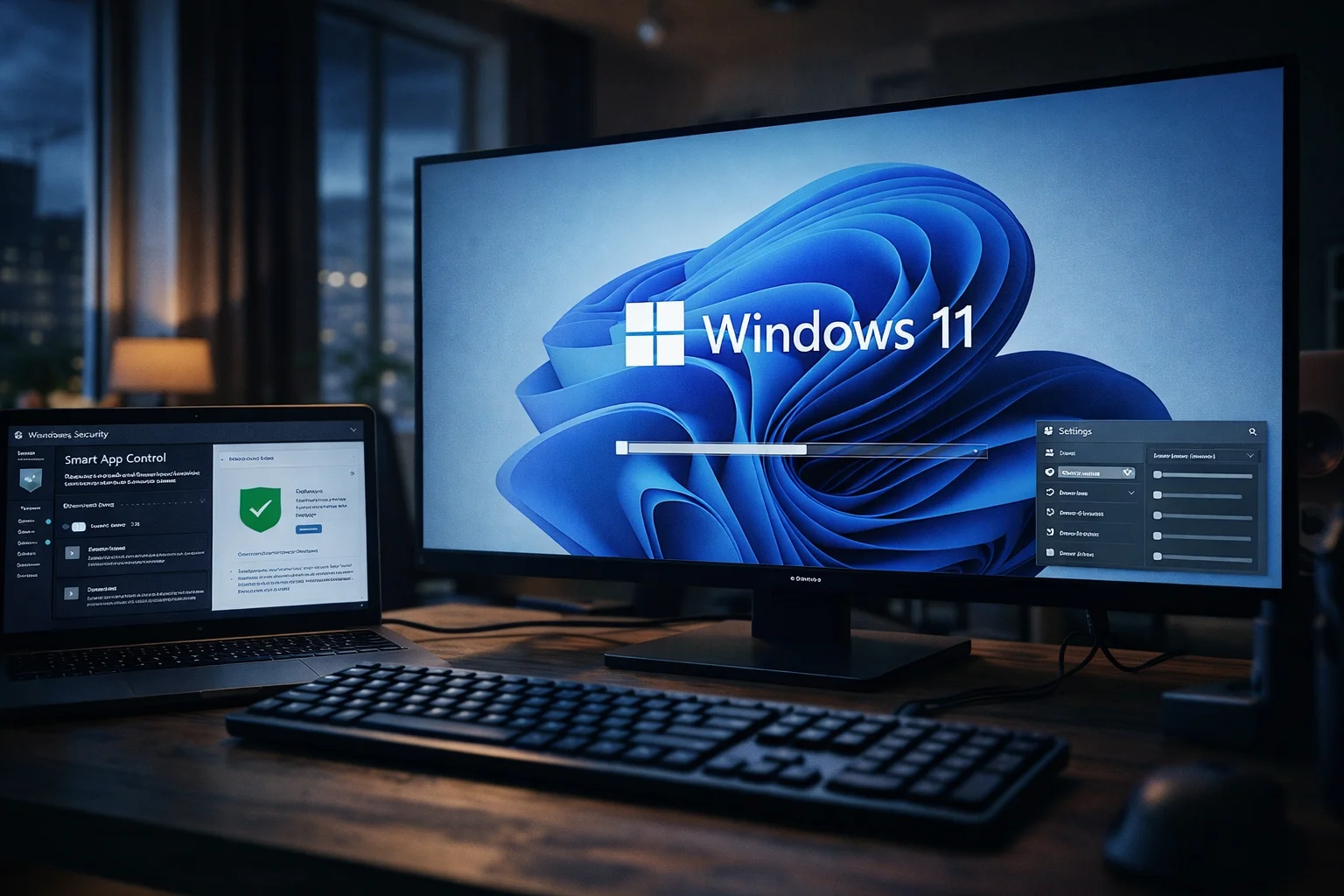
The Windows 11 KB5079391 update focuses on practical improvements that enhance both security and usability. It introduces changes to Smart App Control and refines several core system features, giving users more control without adding complexity.
This release continues Microsoft’s approach of delivering steady, incremental upgrades.
Smart App Control becomes more flexible
The Windows 11 KB5079391 update removes a major limitation tied to Smart App Control. Users can now turn the feature on or off directly, without reinstalling the operating system.
Previously, disabling the feature locked it permanently unless users reset Windows. That restriction limited real-world usability and discouraged adoption.
Now, users can adjust the setting through Windows Security, which makes the feature easier to manage while keeping protection available when needed.
Preview release tests upcoming changes
Microsoft released the Windows 11 KB5079391 update as an optional preview. These updates allow the company to test improvements before pushing them to all users.
Users must install the update manually unless they choose to receive early updates automatically. This rollout method helps Microsoft gather feedback and identify issues before wider deployment.
Display and stability improvements
The Windows 11 KB5079391 update also improves display performance and system stability. It adds support for ultra-high refresh rates above 1000 Hz and improves HDR reliability across supported devices.
The update also enhances USB4 display connections and reduces issues linked to system performance.
Microsoft improved several core components, including Windows Hello fingerprint recognition and update reliability. These changes aim to deliver a smoother and more consistent experience.
Smaller refinements across the system
This update introduces additional improvements across Windows. File Explorer, Settings, and accessibility features receive adjustments that improve responsiveness and usability.
These refinements may appear minor, but they contribute to a more polished and stable system overall.
Conclusion
The Windows 11 KB5079391 update strengthens everyday usability through targeted improvements. It makes Smart App Control more practical and improves system stability without introducing unnecessary complexity. These changes reflect a steady effort to refine the Windows experience through consistent updates.
0 responses to “Windows 11 KB5079391 update improves Smart App Control”