


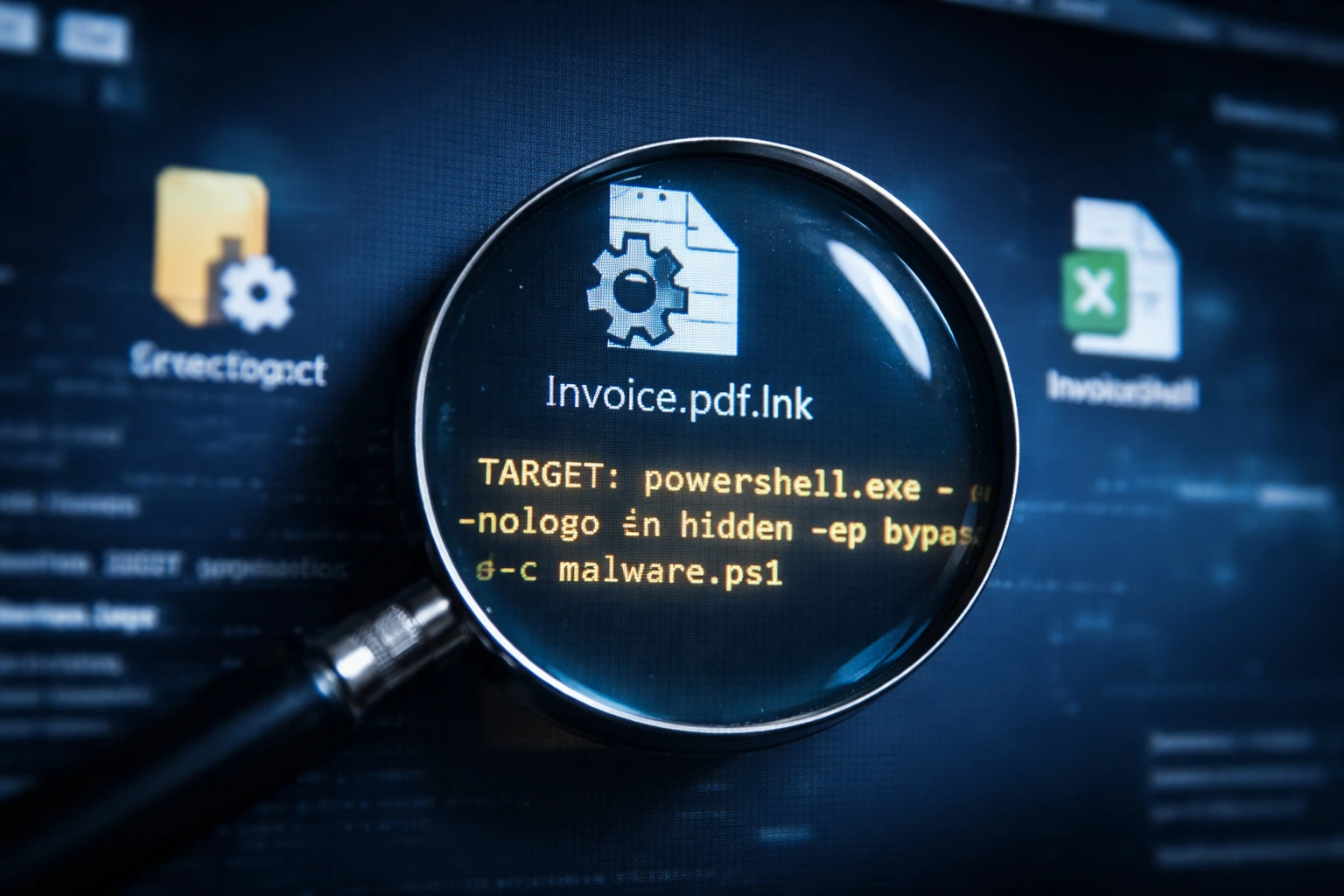
Security researchers have uncovered a deceptive shortcut behavior in Windows that allows malicious commands to hide behind trusted-looking files. The Windows LNK spoofing technique can make a shortcut appear safe while executing something entirely different. Microsoft reviewed the finding and decided it does not meet the criteria for a vulnerability, which has triggered strong disagreement within the security community.
How the shortcut deception works
Windows shortcut files store multiple internal fields that define how a target opens. Attackers can manipulate those fields so Windows displays a harmless location while launching another command in the background.
A shortcut may look like it opens a document or folder. After clicking it, the system actually runs a script or command line instruction instead. Even checking the file properties may still show the safe path because the visible value differs from the executed one.
The problem exists due to differences between what Windows Explorer shows and what the system processes internally.
Techniques used to disguise malicious actions
Researchers demonstrated several ways attackers can hide the real behavior of a shortcut:
- Misleading path values displayed to users
- Hidden command parameters
- Environment variable redirection
- Conflicting shortcut metadata fields
These methods allow the shortcut to pass visual inspection while still delivering malware.
Microsoft’s response
Microsoft analyzed the Windows LNK spoofing report and declined to treat it as a security vulnerability. The company stated that the technique requires a user to manually open the file and does not bypass security boundaries.
Windows already shows warnings for downloaded files and built-in protections can detect suspicious behavior. Because the attack relies on social engineering, Microsoft considers it normal operating system behavior rather than a flaw.
Why researchers disagree
Security specialists argue that classification matters less than real-world impact. Shortcut deception has repeatedly appeared in active malware campaigns because users trust familiar icons and file names.
In business environments, employees regularly exchange shortcut files for shared resources. A convincing file can therefore execute code quickly before security teams notice unusual activity.
Attackers do not always need technical exploits if the interface itself creates trust.
Security implications
The Windows LNK spoofing case highlights a broader defensive challenge. Modern threats increasingly rely on visual manipulation instead of software bugs. When operating systems present safe-looking information, users rarely question it.
This shifts security from patching vulnerabilities to improving user awareness and behavioral detection. Organizations must monitor execution behavior, not only file appearance.
Conclusion
Windows LNK spoofing shows how built-in features can become attack tools when presentation differs from execution. Microsoft considers the behavior expected, yet researchers warn it still enables malware delivery.
The disagreement reflects a changing threat landscape where deception replaces exploitation. Even without an official patch, the technique remains a practical risk that organizations must actively mitigate.
0 responses to “Windows LNK spoofing debate grows after Microsoft refuses fix”